Webinars that feel live. Because they are.
Your speakers talk in real time on a sub-second stage. Your audience watches a smooth stream on any connection. You run the whole show from one calm screen in the browser.
No downloads for anyone. Speakers join from a link.



One studio for every kind of show.
From a 40-person customer training to a launch with thousands watching, the setup is the same: a link for your speakers, a page for your audience, and you at the controls.
-
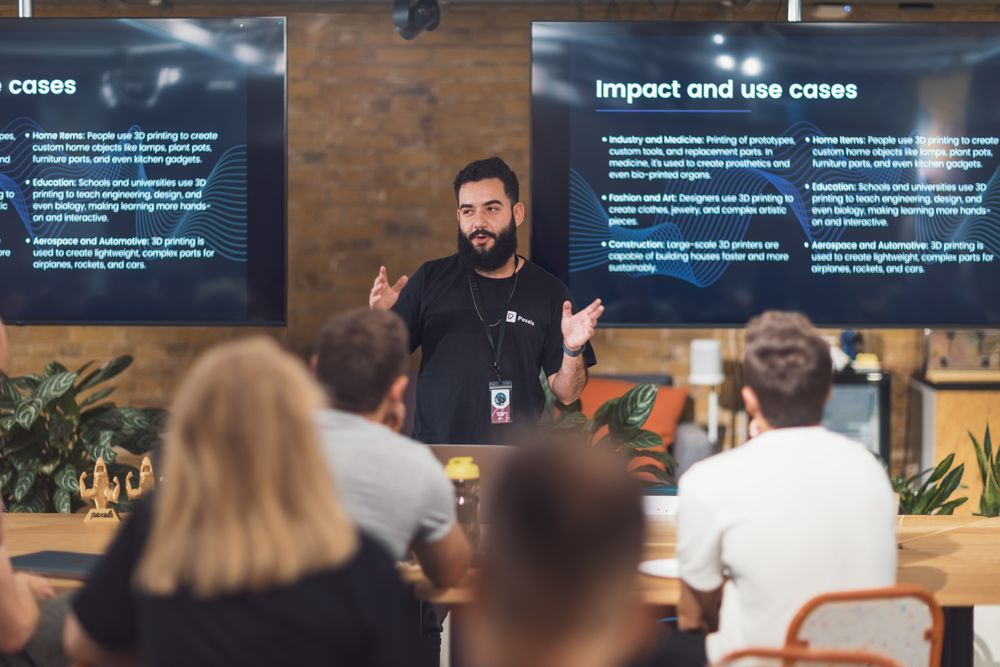
Product launches
Big audience, tight script. Get the stage right before you go live.
-
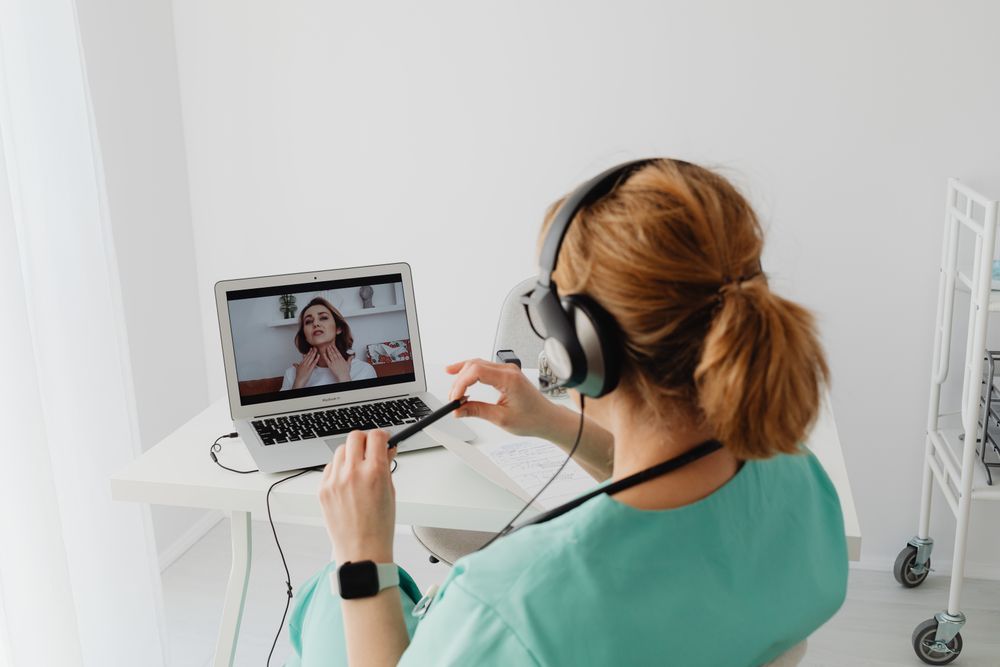
Customer training
Share your screen, take questions, and share the recording with everyone after.
-
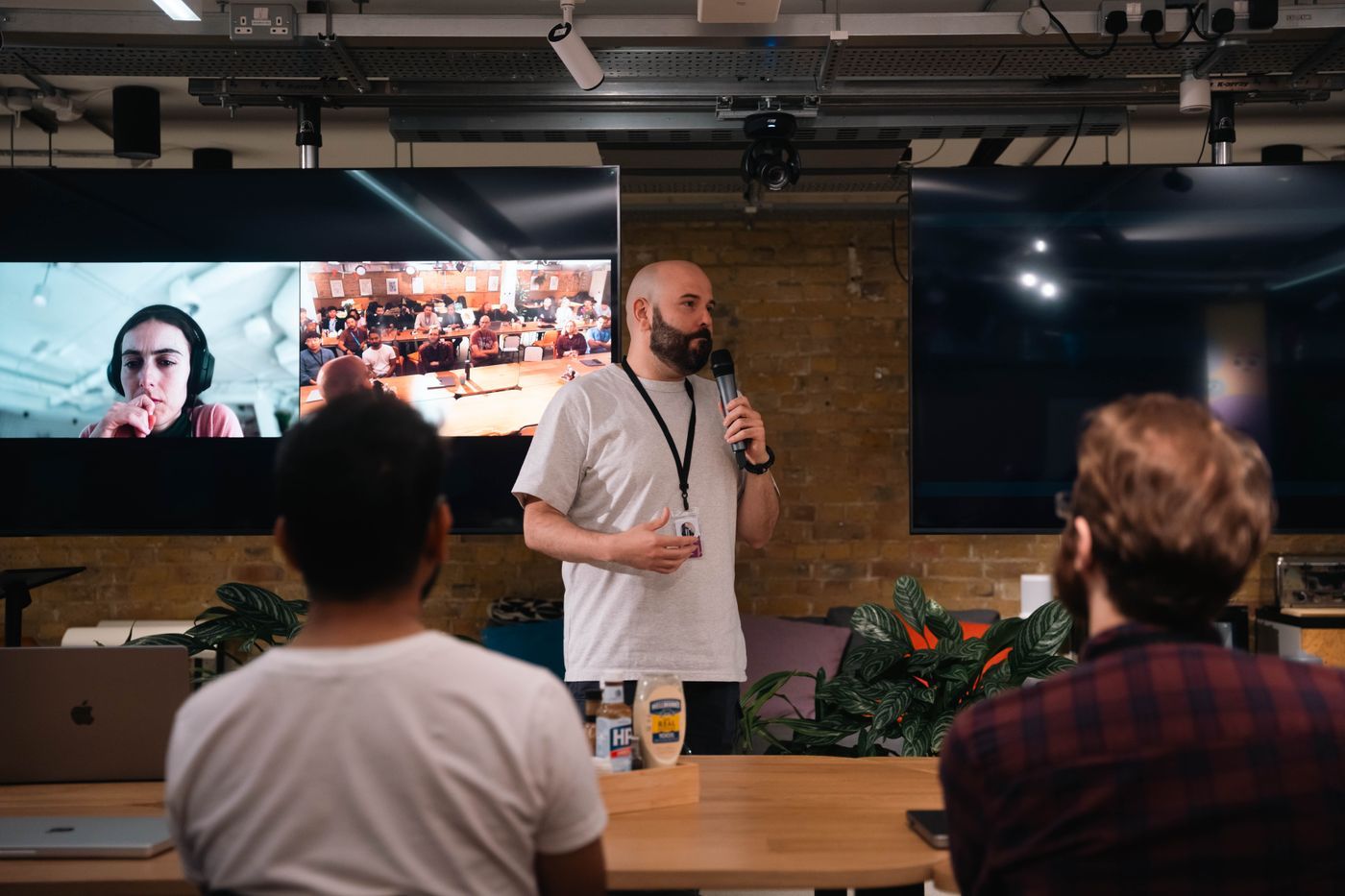
Community meetups
Bring remote speakers onto the venue screen and stream the night.
-
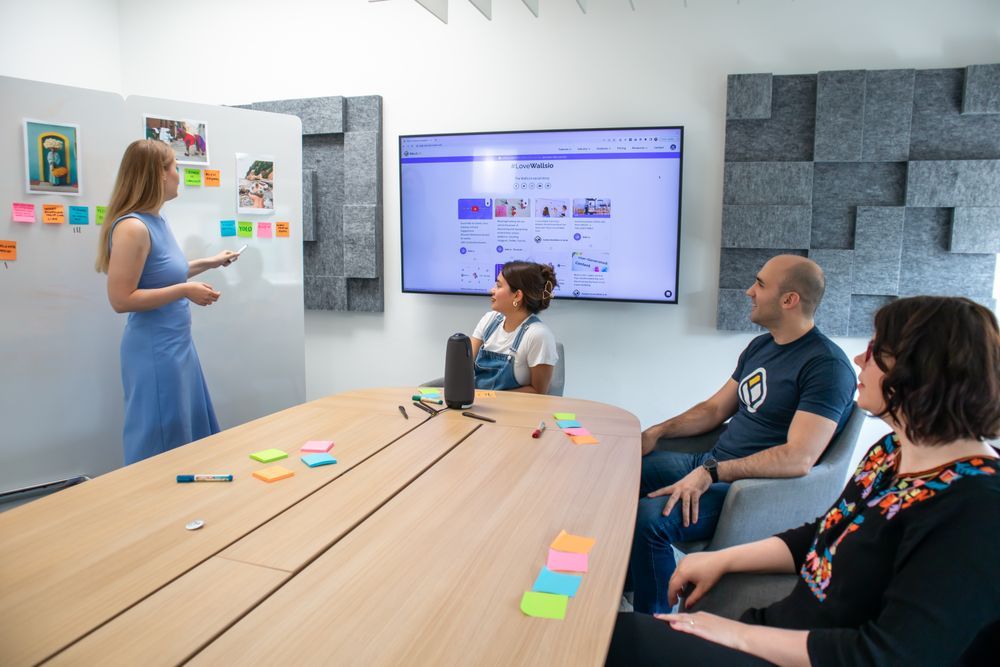
Team all-hands
Leaders on stage, the whole company watching, questions upvoted.


You always know what happens next.
Set up before anyone sees it
Your audience sees a holding screen while you get the stage right. Speakers wait backstage until you bring them on. Press Go live when it looks right.
The next step, in plain words
The studio always tells you what to do next, from inviting speakers to going live and wrapping up.
Layouts in plain English
Pick a layout by what it looks like: One person, Everyone equal, Slides with a face in the corner. No jargon to learn.
Questions and raised hands
Questions arrive with upvotes, so the good ones rise. When someone raises a hand, you can bring them on stage.
Presenting while you host
Share your slides or screen and keep running the show from the same place. You never have to hand over the controls.
Simulcast to YouTube
Paste your YouTube stream key once. Flip the switch and the show goes out there as well.


The whole show, before, during and after.
-
Before
Registration pages
A clean page for every webinar with your speakers, agenda and times in each visitor's timezone.
-
Before
Confirmation and reminder emails
A confirmation straight away with their own private link, then reminders the day before and 15 minutes before.
-
Before
Green room
Speakers check their camera and mic, see each other and chat until you bring them on.
-
During
Name captions
Show who is talking with their name and title, on or off with one click.
-
During
Slides with your camera
Share a deck and keep your face in the corner, so people still see who is talking.
-
During
Holding screen and music
Something good to look at and listen to while people arrive.
-
During
Polls
Ask the room. Results appear for everyone as the votes come in.
-
During
Q&A and raised hands
Questions get upvoted. Bring an attendee on stage when it helps.
-
After
Recordings
Every show is recorded while it's live, so the replay is ready to share when you finish.
Live in three steps
-
Create your webinar
Name, date, speakers. Your registration page is ready straight away.
-
Share the link
People register and get their own link straight away, plus reminders the day before and 15 minutes before.
-
Go live
Bring speakers out of the green room and press Go live. The recording is ready when you finish.

In the room and online, on the same show.
Running a meetup? Put the Starcast program on the venue screen, bring remote speakers on stage next to the people in the room, and stream it to everyone who couldn't make it.
- Remote speakers appear on the venue screen in real time
- Online questions and raised hands come to you in one queue
- One recording of the whole night, ready to share after
A call is built for meetings. A webinar is a show.
| What you need | Starcast | A video call |
|---|---|---|
| Speakers talking to each other with no lag | Yes, under a second | Yes |
| Hundreds or thousands watching smoothly | Yes, over a CDN | Gets shaky as it grows |
| Get set up before anyone sees you | Holding screen until you go live | No |
| Registration page and reminder emails | Built in | Usually an add-on |
| Holding screen, music, name captions | Built in | No |
| Stream to YouTube at the same time | One switch | Extra tools |
Free while we're in beta
Early access
$0Everything Starcast does, for as long as the beta runs. No card needed.
- The full studio and control room
- Sub-second stage for speakers
- Audience streaming over a CDN
- Registration pages and reminder emails
- Recordings for every show
Volume and teams
Let's talkFor big audiences, regular programs, or a team running shows every week.
- Bigger audiences
- Your branding and YouTube simulcast
- Onboarding for your production crew
- A real person on call on show day
How many people can watch?
Your audience watches over a content delivery network, so a show can stream to thousands of people at once. Speakers sit on a separate real-time stage, so a bigger audience never adds lag for the people on camera.
Do speakers or viewers need to install anything?
No. Everyone joins from a link in Chrome, Safari, Edge or Firefox, on a computer or a phone. Speakers just allow their camera and mic.
Is the webinar recorded?
Yes. Every show is recorded while it's live, and the replay is ready to share once you end it.
Can I stream to YouTube at the same time?
Yes. Paste your YouTube stream key and flip the switch. Check your YouTube visibility first so it goes out the way you expect.
Where is my data stored?
Event data and recordings are stored on EU-based infrastructure, and the video is delivered to your audience through a content delivery network. We don't sell personal data. Our Privacy notice has the details.
What happens when the beta ends?
Nothing switches off without warning. Every beta host will hear from us well before paid plans start, with plenty of time to decide what suits you.

Your audience is ready when you are.
Set up your first webinar in about five minutes.
Start your first webinar