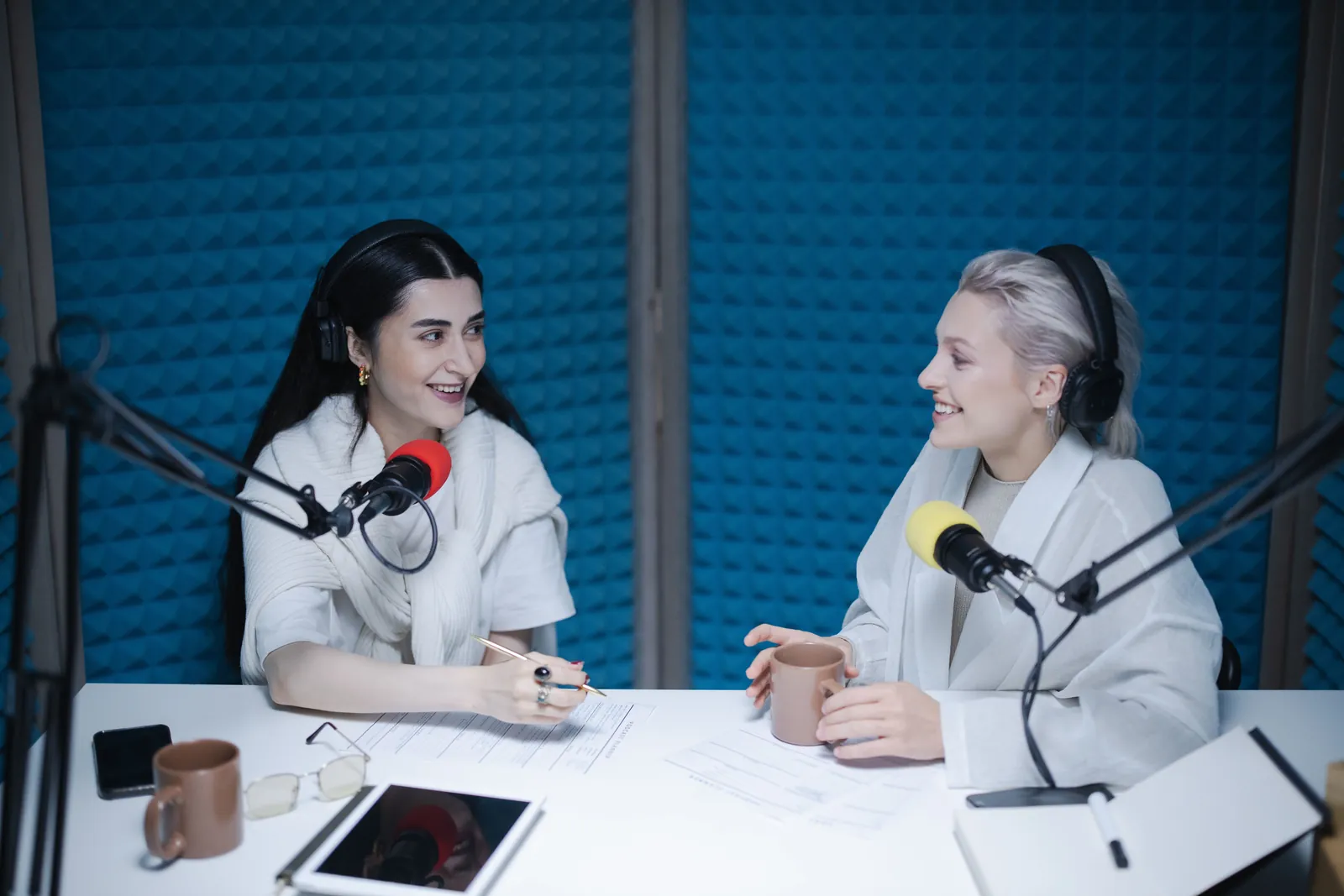
Record your podcast like everyone's in the same room.
Starcast records each person on their own computer, in full quality, while you talk. A shaky connection might wobble the call, but it never touches the recording.
An example Starcast podcast session while recording: three people, each recorded on their own computer, with their uploads nearly done. One guest has a shaky connection and their recording is still safe.
RecordingThe Long Lunch, episode 1438:12
Mei (you)Uploaded 96%
PriyaUploaded 92%
DanielUploaded 81%Shaky connection. His recording is safe.
The big difference
Recorded on each computer, not over the internet.
Most remote recordings are a recording of the call. Whatever the internet did to the sound and picture is in the file for good. Starcast records everyone at the source instead.
Recording a video call
Every glitch gets recorded.
The call squeezes everyone's sound and picture down to fit their connection. Record the call and you keep that version, with the robot voice, the frozen frame and the drop-out halfway through your guest's best story.
Recording with Starcast
Every file comes out clean.
When you press Record, each person's browser records their own camera and mic, right there on their computer, before the internet gets a say. The call is just how you see and hear each other. If it wobbles, your files don't.
Take 26 files
MeiVideoAudio
PriyaVideoAudio
DanielVideoAudio
Separate tracks
A clean track for every person.
Everyone gets their own video file and their own audio file. Fix one voice, cut one cough or reframe one shot without touching anybody else.
Video from each camera at up to 1080p
Audio from each mic in studio quality
As many takes as you need in one session
Ready for Descript, Premiere Pro, DaVinci Resolve, Audition and Final Cut Pro.
An example recordings page: take 1 is ready to download, and take 2 is still recording with each person's upload almost finished.
RecordingsThe Long Lunch, ep 14
Take 112:40Ready
MeiPriyaDaniel
Take 241:07Recording
Mei97%
Priya94%
Daniel86%
Uploads as you go
No waiting around after you say goodbye.
Each person's recording uploads quietly in the background while you talk, and you can watch everyone's progress. By the time you wrap up, there's very little left to send.
See every guest's upload progress from the studio
Download each take from your recordings page
Record a few takes in one session and keep them all
Studio sound
Echo cancelling and noise suppression off. Best when everyone wears headphones.
Studio sound
Sounds like a studio, not a call.
Video calls run your voice through echo cancelling and noise suppression to keep a meeting usable. It also makes voices thin and watery. When everyone's in headphones, switch it off and record each mic clean and natural.
Backstage
Priya is ready Camera and mic look good
Camera
Mic
Bring on
Guests
Your guest clicks a link. That's it.
No download, no account, no “can you hear me now?” Guests wait backstage first, check their camera and mic, and come on when you bring them on. So the first thing you record is the conversation, not the sound check.
LiveThe Long LunchRafi HaddadHost, The Long LunchLive nowNew episodes every Thursday. Ask Rafi a question in the chat.
Stream it live too
Record it and stream it at the same time.
Want an audience while you record? Send the show to your Starcast audience page or to YouTube as you go, with your logo in the corner, name captions for each guest and a ticker along the bottom.
Stream to your audience page, YouTube, or both
Your logo, name captions and a ticker
Show slides straight from a PDF
How it works
Recording in three steps
Show nameThe Long Lunch, episode 14
WebinarPodcast
1
Create a podcast session
Give it a name and choose Podcast. Your studio is ready straight away.
Guest link
app.starcaster.app/join/long-lunch-14Copy
PriyaChecking her mic
2
Send your guests the link
They join from the browser and wait backstage while they check their camera and mic.
00:00Record
3
Press Record
Everyone records on their own computer and uploads as you go. Download every track when you're done.
Why not just record the call?
A call recording keeps the glitches. A local recording doesn't.
Starcast podcast recording compared with recording a video call
What you need
Starcast
Recording a video call
Where the recording is made
On each person's computer
From the call itself
When someone's internet drops out
Their file keeps recording
The gap ends up in your recording
Picture quality
Up to 1080p from each camera
Whatever the call could manage at the time
Sound quality
Studio quality, with call processing off if you like
Compressed for the call
A separate file for each person
Video and audio for everyone
Sometimes audio, if you set it up first
What guests need
A browser and a link
Often an app or an account
Stream it live while you record
Built in
Extra tools
Video calls are great for meetings. They're built to keep a conversation moving on any connection, which means trading away quality whenever the line gets busy. That's the right call for a meeting and the wrong one for a recording you'll publish.
Coming next
What we're building next.
These aren't in Starcast yet. We're working on them now, with our beta hosts.
TranscriptsA searchable transcript of every take.
Show notesA first draft of your episode notes, ready to edit.
No. Guests join from a link in their browser, with no download and no account. They allow their camera and mic, check how they look and sound backstage, and you bring them on.
What quality do I get?
Each person gets an MP4 of their camera at up to 1080p (with their sound) and a separate 48 kHz WAV of just their mic. Both are recorded on their own computer, before anything is squeezed down for the live call. Their camera and mic set the ceiling, so a better mic still makes a difference.
What if someone's internet drops out?
Their recording keeps going on their own computer, so the file has no gap. The live call might freeze or drop for a moment, but that only affects what you see and hear live, never the files.
How long do uploads take?
Most of each recording uploads in the background while you talk, and you can see everyone's progress as it goes. When you stop, there's usually only the last little bit left to send. Ask guests to keep the page open until their upload says it's done.
Can I stream it live at the same time?
Yes. Send the show to your Starcast audience page or to YouTube while you record, with your logo, name captions for each guest and a ticker along the bottom. You can show slides from a PDF too.
Can I record more than one take?
Yes. Every take in a session is kept separately on your recordings page, with its own set of files for each person.
What does it cost?
Nothing while Starcast is in open beta, and no card is needed. Every beta host will hear from us well before paid plans start.
Where are my files stored?
Recordings are stored on Starcast's servers in Europe and delivered to you through a content delivery network when you download them. We don't sell personal data. Our Privacy notice has the details.
Your next guest is one link away.
Set up a podcast session in a couple of minutes. Free while we're in beta.